
Ask what's on screen.Get a real answer.
Press PrtSc to toggle selection mode, drag any region, press Ctrl+Q, and get a plain-English answer instantly. Screenshots you save go into a searchable gallery, automatically organized.
Trials on Basic & Standard · Stripe checkout
Answer
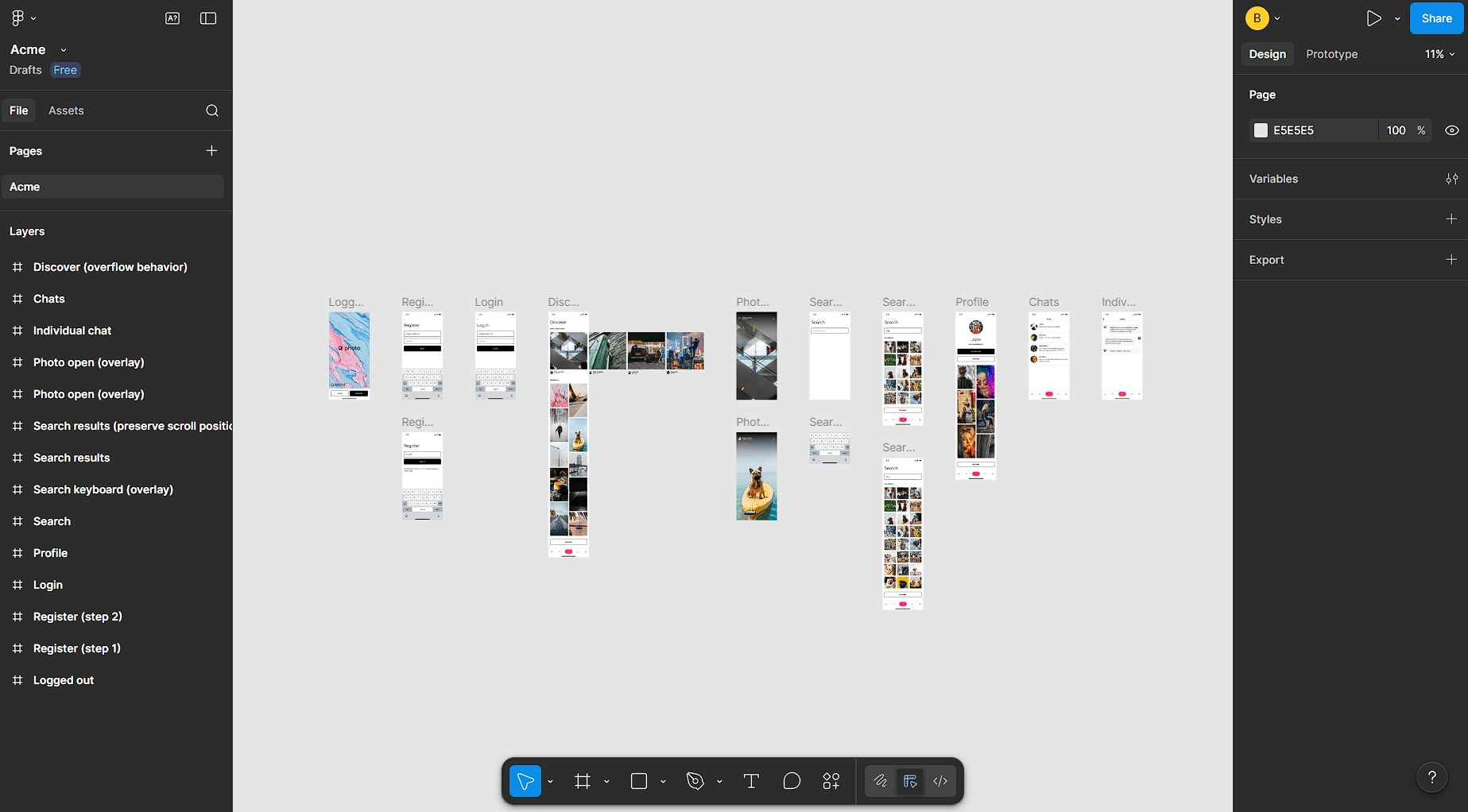
Primary issues: inconsistent search bar placement, mixed bottom-nav states, and duplicated overlay patterns. Prioritize standardizing search + nav first.
Select any area → Ask → Get insights instantly
Select any area → Ask → Get insights instantly
Everything you need to get answers
Select any region, press Ctrl+Q, and get an instant plain-English answer. Or save screenshots to your gallery — search, organize, and act on everything in plain English.
Capture anything, instantly
Use a single shortcut to capture any part of your screen. Evalora saves, processes, and organizes it automatically.
A visual memory that never forgets
Every screenshot you save is automatically OCR’d, summarized, and tagged — making your entire gallery instantly searchable.
Find any screenshot in seconds
Search by what you remember — text, UI elements, errors, or context. Semantic search means no more digging through folders.
Ask without saving
Select any region, press Ctrl+Q or click Ask in the toolbar, and type your question. You get an instant plain-English answer saved to your history — the screenshot isn’t added to your gallery.
Take action with chat
Just ask Evalora — find exact snippets with smart crops, group related screens, summarize what matters, and export in seconds.
Start finding your screenshots in seconds
Download Evalora and start capturing, organizing, and finding your screenshots.
Built for how you work
Whether you're debugging, studying, or comparing prices — ask your question and get an answer instantly.
Developers & Engineers
Select any error, stack trace, or doc and press Ctrl+Q — get an instant explanation without leaving your editor. Save references and workflows to a searchable gallery for later.
Students & Researchers
Select any diagram, formula, or passage and ask Evalora to explain or summarize it on the spot. Save slides and notes to a searchable gallery to pull up before exams or deadlines.
Online Shoppers
Select a product listing, price comparison, or spec table and ask 'What's the best value here?' — get a clear answer without reading every row. Save receipts and finds to revisit later.
Founders & Product Managers
Select any chart, report, or competitor screen and ask for a plain-English summary. Keep metrics, research, and ideas in a searchable gallery your whole team can access.
From question to answer in seconds
Select any area, press Ctrl+Q, type your question, and get a plain-English answer — saved to your history, not your gallery. Screenshots you choose to save separately go into a searchable gallery, automatically tagged and organized.
Select any region
Drag to highlight any area of your screen — a code snippet, error message, UI design, or anything else.
Press Ctrl+Q or click Ask
With your region selected, press Ctrl+Q or click the question button in the toolbar. Type your question in plain English.
Get your answer instantly
Evalora responds in plain English — saved to your question history, not added to your gallery.
Answer
Three issues: inconsistent button padding, missing empty states in the list, and low-contrast help text under form inputs.
Start getting answers from your screen
Subscribe to unlock credits and daily AI limits. Screenshots you save separately go into a searchable gallery, automatically tagged — or promote any question to your gallery later.
Choose the plan that fits you
Start with Basic, scale when you need more. All plans include AI-powered analysis and organization.
Everything you need to know
Use the Evalora desktop app: press PrtSc (Print Screen) to toggle selection mode, then drag to select any region of your screen. Press Ctrl+Q or click the Ask button in the toolbar. Type your question in plain English and you'll get an answer instantly. The Q&A is saved to your question history — the screenshot itself isn't added to your gallery unless you choose to save it separately.
We'd love to hear from you
Questions about pricing, need support, or have an idea? Send a message below and we'll get back to you soon.
You can also reach support directly at support@evalora.io
Turn screenshots intoinstant, actionable answers
Move faster with AI insight on anything on-screen, then keep every capture organized and searchable for your team.
Plans from Basic · Setup in under 2 minutes