
Stop asking“where did I see that?”
Capture screenshots and recordings as you work, then find them in seconds—just describe what was on screen.
50 free AI credits · Up to 50 uploads · No card needed
The Windows desktop app is free on every plan
Your screen history, finally searchable
Organized the moment you save
Every capture gets an AI title, summary, and tags automatically.
Remembered the way you think
Describe what you remember — no filenames or folders needed — and the gallery finds it.
Meetings you can skim
Recordings arrive transcribed and summarized, so answers are a search away, not a re-watch.
An assistant beside your gallery
Chat across your whole library, annotate, and export — included with every paid plan.
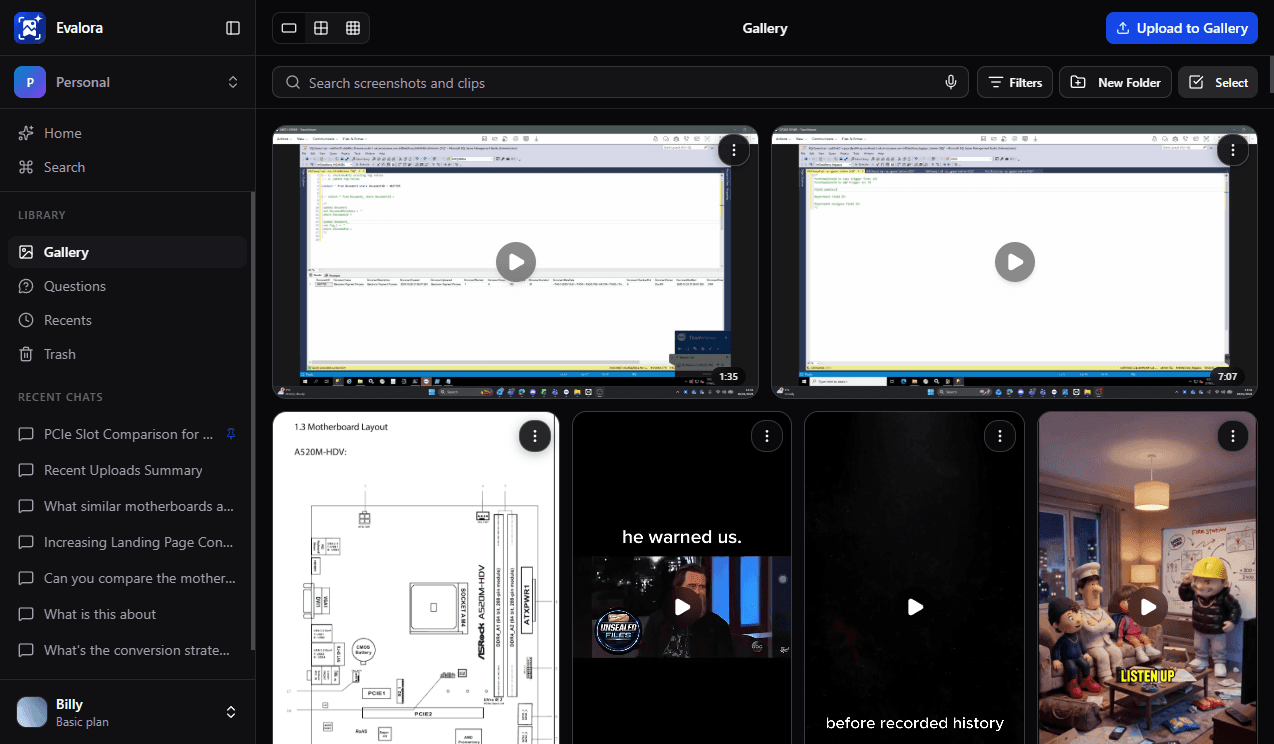
Deep clip analysis
Recordings are broken down into steps, highlights, and key decisions — each timestamped, so you jump straight to the moment that matters.
Find any capture in seconds
Search by what was on screen, what was said, or just what you remember. Semantic search understands meaning, not just keywords — on every plan.
Q3 pricing deck
Screenshot · 2 days ago
Capture, mark up, and ask
One hotkey grabs any region across any monitor — annotate it, then ask AI about what's on screen.
Record it once, never re-watch
Capture any region with mic, webcam, and system audio. Every clip is transcribed and time-stamped.
AI Assistant on paid plans
Chat across everything you've captured — it finds, compares, annotates, and can pull in answers from the web.
Share in a click
Copy a public link the moment your upload finishes — you control who can view it.
Search a real gallery, no account needed
This is a small sample library of real captures. Ask for things the way you'd remember them — the search understands meaning, not just keywords.
Your gallery works the same way. Upload a screenshot and try it — free.
Start free — see it on your own capturesStart free, upgrade when it clicks
Free account
No card required
- Up to 50 screenshot & clip uploads
- 50 AI credits — ≈ 25 auto-analyses
- AI titles, summaries, and tags on every upload
- Windows desktop app with global hotkey capture
- Search your whole library by meaning
With a plan
From £3.49/month · free trials included
- Unlimited screenshot & clip uploads
- AI Assistant — chat across your entire library
- Monthly credit allowance, from 500 to 25,000
- Voice input & priority processing
- Teams, premium AI models & priority support
Built for how you work
Developers & Engineers
Screenshot an error or stack trace from any app — find it weeks later by describing the bug, not the filename.

Students & Researchers
Capture diagrams, formulas, and slides as you study. Search by topic before exams and everything resurfaces, with AI explanations a question away.
Online Shoppers
Save listings, price comparisons, and receipts as you browse — ask which is the best value, then find that deal again next month.
Founders & Product Managers
Keep charts, competitor screens, and demo clips in one searchable gallery the whole team can access — Windows users get the desktop app, everyone else uploads via browser.
Your captures stay yours
Frequently asked questions
Upload up to 50 screenshots and clips to your personal library from the web or desktop app — no card required. You start with 50 free AI credits: each upload's AI analysis (title, summary, OCR, tags) uses 2 credits, and each screenshot question uses 1. Search your whole library by meaning anytime. Subscribe for unlimited uploads.
The AI Assistant (chat across your library), voice input, and a monthly credit allowance that refreshes every billing cycle. Plans start at £3.49/month, and Basic and Standard include free trials.
No — upload from the web and everything works: AI analysis, search, folders, and sharing. The free Windows desktop app (included on every plan) runs in the system tray and adds global hotkey capture with PrtSc, screen recording, and inline AI questions with Ctrl+Q. Everything it captures syncs to your searchable cloud gallery automatically.
In the desktop app, press PrtSc to toggle selection mode, drag to select any region, then press Ctrl+Q or click Ask. Type your question in plain English and get an instant answer. Questions are one-off: the Q&A is saved to your history, but the image isn't added to your gallery unless you choose to save it — unlike gallery screenshots, which are AI-analyzed, stored permanently, and fully searchable.
Clips are screen recordings created with the Evalora desktop app. Capture a region, window, or full display — with optional mic, webcam overlay, and system audio. When you stop, the MP4 uploads automatically and is transcribed and indexed so you can search spoken content and jump to timestamps.
Screenshots are saved as standard image files (PNG), and screen recordings upload as MP4 — both play and preview right in your gallery. You can share any capture as a secure link, and clips include a searchable transcript alongside the video.
The web AI Assistant has its own per-day action limit separate from credits. Each message you send counts as one action, and each tool the assistant runs counts as one more. The limit resets at midnight UTC. Basic: 10/day, Standard: 50/day, Pro: 200/day.
Yes. Files are stored in a private bucket with all public access blocked. Access is controlled through authenticated routes and we never share your data with third parties. Screenshots and clips are private by default — you control exactly who can view them.
Click the share button on any gallery item to generate a secure link. You control whether it's public or requires login. Recipients can view the capture without needing an Evalora account.
We'd love to hear from you
You can also reach support directly at support@evalora.io
Stop losing what's on your screen.Start your searchable library.
Every screenshot and clip auto-titled, tagged, and summarized by AI — so you find it later by what you remember.
- 50 free AI credits
- First upload in under a minute
- Free Windows desktop app