Share screenshots via password-protected links with optional expiry and view limits. How to create and revoke share links.
Share links are unique URLs that let others view a screenshot without signing in. You can optionally set a password, an expiry date (e.g. 1 hour to 1 year), and a view limit. All of these are optional; recommended for sensitive content. Revoking a link stops access immediately.
Open the screenshot detail view and click Share. You can create share links for any screenshot.
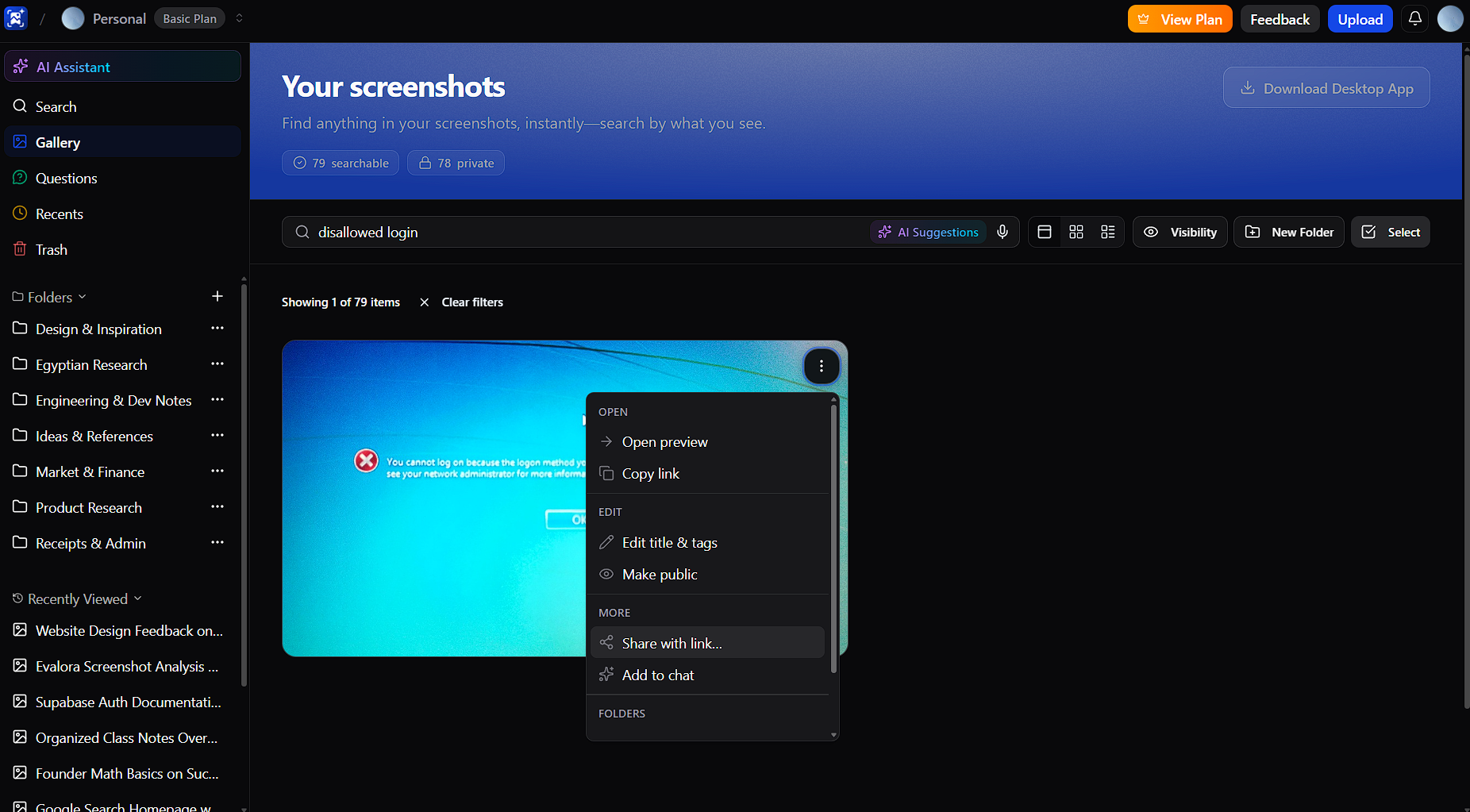
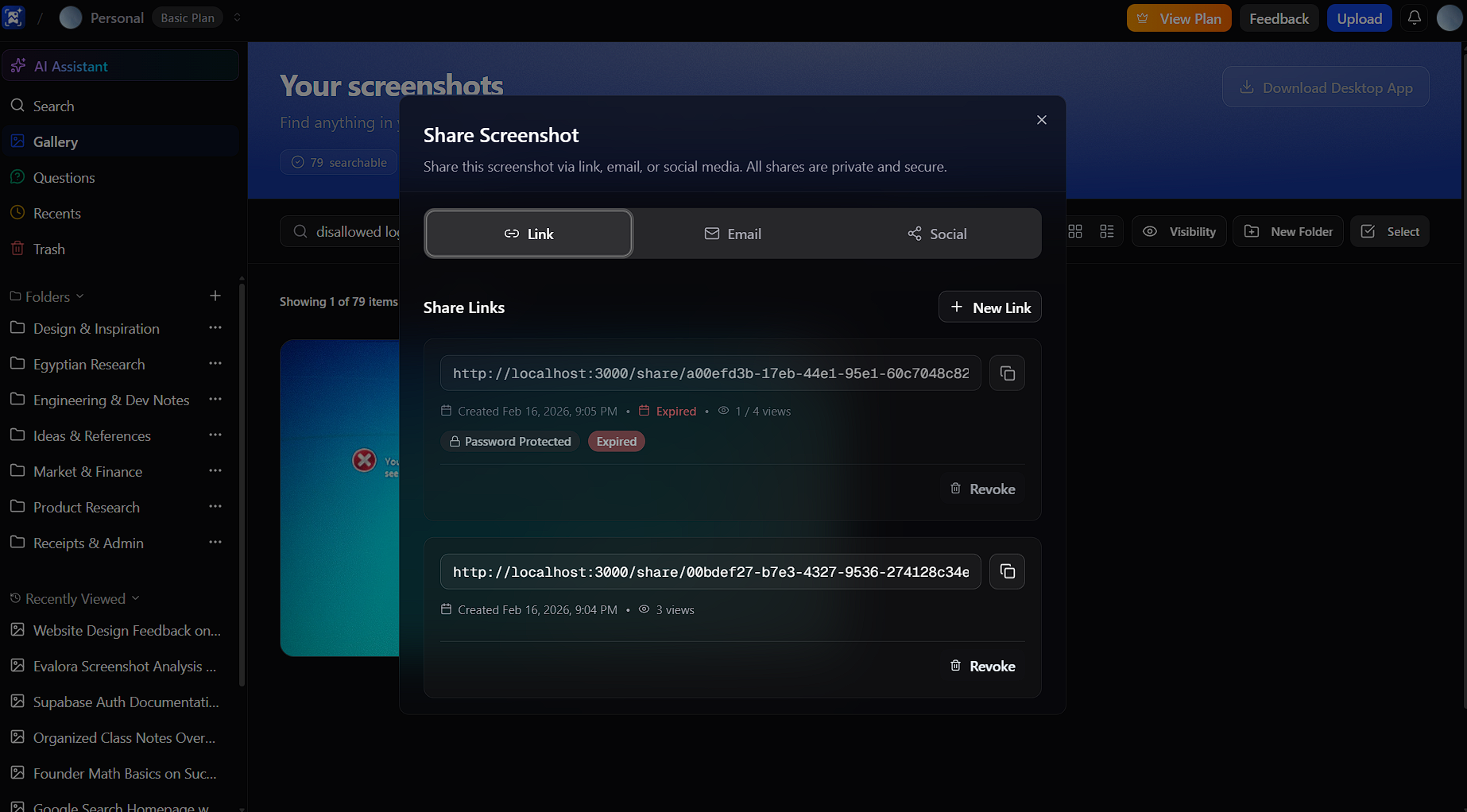
Configure a password, expiry date, and/or maximum number of views. Leave them blank for an open link with no expiry.
Click Create Share Link to generate the URL. Copy and send it; the link uses a unique token that can’t be guessed. Recipients enter the password if you set one.
Active share links are listed in the screenshot share dialog. You cannot edit a share link once it’s created; you can only revoke it. Revoked links stop working immediately. To change password, expiry, or view limits, revoke the existing link and create a new one.
Put what you learned into practice.
